Sketchup for Interior Design: Subscriptions, System Requirements, and How to Get Started
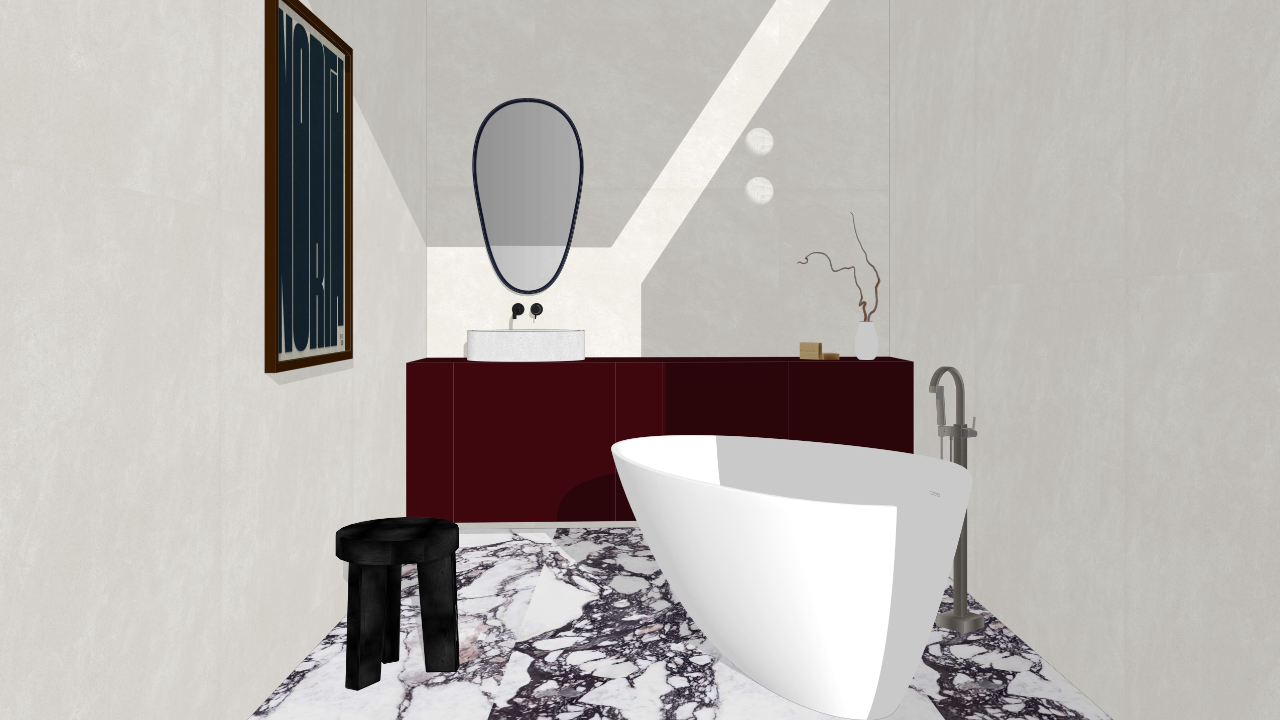
SketchUp is one of the most loved 3D modeling tools in the design world, especially for interior designers. In my opinion it is for one simple reason: Sketchup allows designers to model ideas, fast and easy.
But if you’re new to Sketchup (or returning after a break), the subscription options, system requirements, and setup process does get overwhelming, which is why I am writing this post: to make it easier for you to start your 3d modeling journey. Let's begin.
Choosing the right subscription
SketchUp is subscription-based, which means you pay an anual or monthly fee and get access to Sketchup for that period of time (year or month). The question we commonly have is: which subscription is best for my workflow and the best value for money?
Understanding all subscription types helps you avoid paying for tools you don’t need, or missing out on features that would make your life easier. Let's explore all subscription types:
SketchUp Go
Best for those who are just testing the waters. You've never used Sketchup and you want to take baby steps rather than going all in.
This plan gives you access to:
-
SketchUp Web (iPad and web-based 3D modeling)
-
Cloud storage via Trimble Connect
-
Mobile Viewer for reviewing models on the go
-
Access to the 3D Warehouse (library of design assets)
Please note that with this subscription you will need access to wifi, and you cannot download the program in your computer, as it is only accessed from the web.
SketchUp Pro
This subscription includes all Go features plus:
-
SketchUp Desktop (the full modeling experience)
- Import CAD/DWG files capabilities
- 1000+ extensions for tailored workflows
- Access to Layout (2D documentation app)
SketchUp Studio
Used for professional interior design and architecture studios.
-
SketchUp Desktop (the full modeling experience)
-
SketchUp Web and mobile access
-
Access to Layout
-
Cloud storage and collaboration tools
- Revit-to-SketchUp importer
Please note that SketchUp Studio is Windows-only because its advanced features are only supported by Windows computers and are not available in Mac.
After working in the industry for 5+ years, my recommendation for design students, freelancers and interior design professionals is Sketchup Pro. It has all the features for interior design workflows, plus it's the best value for money.
System requirements (what your computer needs)
SketchUp doesn’t require the most powerful computer on the market, but it does perform best when your system meets recommended specs, especially for interior design models with furniture, textures, and lighting.
Operating System
-
Compatible with modern versions of Windows and macOS
-
Always keep your OS updated for best performance and compatibility
Hardware Basics
For smooth modeling:
-
A dedicated graphics card (recommended)
-
At least 16 GB of RAM for professional interior projects
-
A solid-state drive (SSD) for faster loading and saving
-
A mouse with a scroll wheel (this facilitates navigation)
SketchUp relies heavily on your GPU, so investing in decent graphics hardware makes a difference in orbiting, and overall responsiveness.
How to get started with Sketchup
Installing SketchUp is the easy part but learning to use it well is where most designers struggle.
Here’s a smart way to begin:
1. Learn basic tools first
Focus on:
-
Drawing and editing tools
-
Groups and components
-
Tags (layers)
-
Accurate scaling and measurements
Mastering these basics early prevents messy models later.
2. Set up a workflow
Interior designers benefit hugely from:
-
Organized files
-
Consistent naming conventions
-
Saved scenes for plans, elevations, and perspectives
A clean workflow isn’t optional, it’s what avoids problems down the line.
3. Practice, practice, practice.
The fastest way to learn SketchUp is by modeling real spaces:
-
Your own home
-
A past client project
-
A space from inspiration images
This builds confidence and speed, ultimately making you a expert user, sooner.
Should you learn on IPad?
My short answer is no. It's like wanting to run without learning to walk first.
Although I personally love Sketchup on IPad, I believe that learning it from scratch on Ipad will be very overwhelming, not only does the IPad version is limited with tools and features but in order to truly master modeling I strongly believe that you must practice with a mouse and on the Desktop/web version of Sketchup. Later, when you are confident with tools, you can transition your workflow to IPad.
Mistakes to watch out for...
Many designers feel frustrated with SketchUp not because it’s hard, but because they learn it out of order.
Some mistakes include:
-
Skipping basic fundamentals
-
Modeling without proper scale
-
Not understanding how geometry behaves
-
Loading your file with junk and not cleaning it often
Because I know that learning the correct workflow is what actually will get you to learn the right way (and actually enjoy Sketchup) I've packaged years of experience into The Complete Sketchup Course for Designers, so that you can learn hassle-free, without ever worrying about what to do and how to do it, and rather focus on creating amazing interior design projects. Sounds fun, right?
Inside the course, I walk you through:
-
The Sketchup Smart System (my secret system for efficient modeling)
-
How to avoid crashes, slow models, and lagging
-
A workflow that actually makes sense for interior design projects
- Learn all the tools, options and features inside of Sketchup (yes, become an expert user)
and much, much more...
Ready to master Sketchup and finally pursue your dream of becoming an interior designer?
SUBSCRIBE TO DESIGN HAVEN - MY WEEKLY NEWSLETTER!
Subscribe to Design Haven - a weekly newsletter where I share the behind-the-scenes of being an interior designer along with career tips, tools and free resources.
