SketchUp 2026: A Deep Dive Into the New Features for Interior Design Workflows
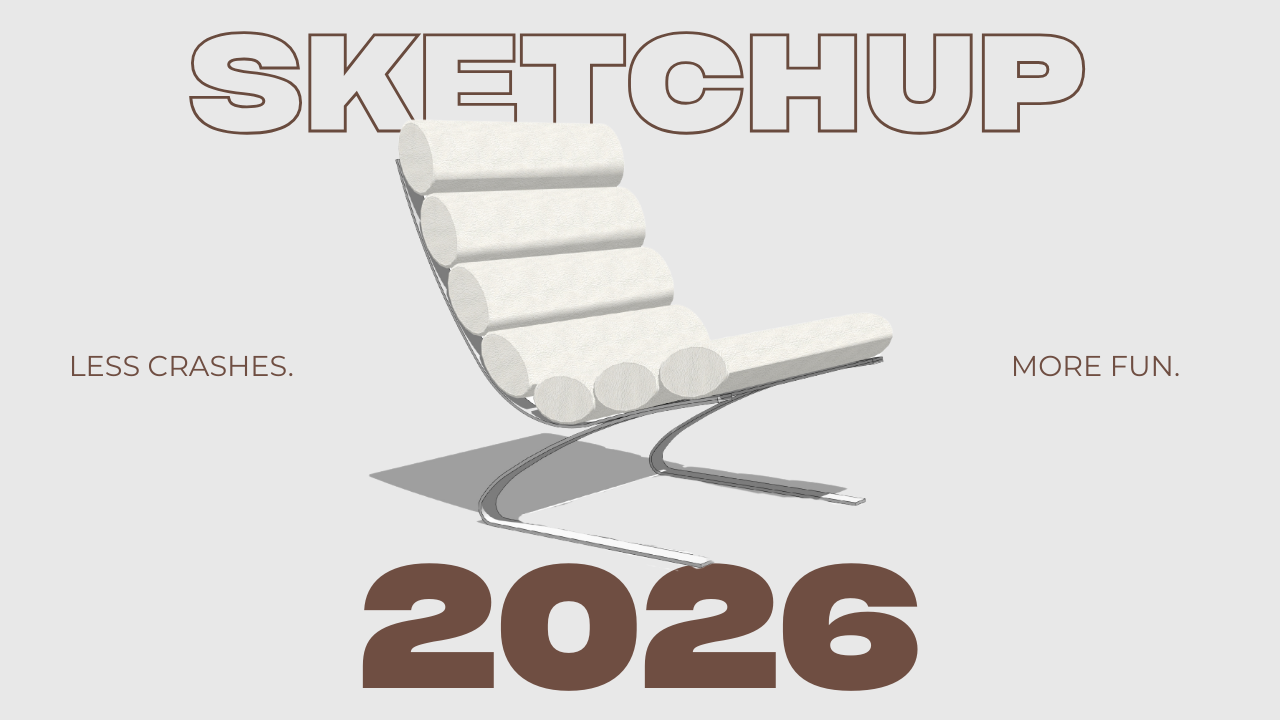
SketchUp 2026 has officially arrived, and this release goes far beyond small improvements. It introduces smarter tools, deeper visualization control, and in-model collaboration, all designed to support your interior design workflows.
In this post, we’ll take a closer look at what’s new in SketchUp 2026, why these updates matter for designers like you, and how they can help you work faster, design better, and present your ideas better, let's dive in.
Collaboration tools
One of the most impactful changes in SketchUp 2026 is the emphasis on real‑time collaboration. You can forget about exporting files or sending screenshots of your model. You can now invite collaborators and clients to view and interact with your model through shareable links. Your co-workers, or clients can now orbit the model, check dimensions, and leave comments directly within the model. Pretty cool, isn't it?
AI for the design process
SketchUp 2026 introduces AI‑powered tools for brainstorming of ideas. These features will for sure speed up visualization and iteration of ideas.
You can now create presentation‑ready visuals directly from the SketchUp viewport. Instead of exporting to third‑party rendering software, you can quickly test lighting moods, materials, and the overall environment (in a more realistic way). This is especially useful during early design phases, when clients want to see ideas quickly rather than wait for a full render.
Better visualization for presentations
Visualization receives a major upgrade in SketchUp 2026, giving you better control over how spaces are shown to your clients. Improvements to ambient occlusion now allow to adjust shadow depth, distance, and intensity. This adds subtle contrast and depth to interiors, making the design look and feel way better than before.
Material management is also more intuitive. You can now customize material thumbnails and fine‑tune texture properties, making it easier to organize finish palettes and experiment with variations.
Faster modeling, with less crashes.
At its core, SketchUp is a modeling tool, and the 2026 version includes refinements for smoother modeling (finally!). The scale, and rotate tool have been updated for better modeling and presision while designing. These changes reduce frustration and help maintain precision when modeling cabinetry, millwork, and custom furniture.
Scene management has also been improved, allowing you to undo and redo scene changes. This is helpful when setting up presentation views. Combined with overall performance enhancements in the back end of Sketchup, the platform now feels more responsive, even when handling complex models.
Ready to master Sketchup in 2026?
New features are only powerful if you know how to use them strategically. If you want to model interiors faster, organize projects professionally, and build a professional portfolio of work, The Complete SketchUp Course for Interior Designers is just for you.
Inside the course, you’ll learn a clear, efficient workflow to model interior projects hassle-free, so that you never have to worry about slow models, not knowing how tools work, or unexpected crashes. This is the ideal course to finally learn SketchUp without feeling overwhelmed.
SUBSCRIBE TO DESIGN HAVEN - MY WEEKLY NEWSLETTER!
Subscribe to Design Haven - a weekly newsletter where I share the behind-the-scenes of being an interior designer along with career tips, tools and free resources.
